


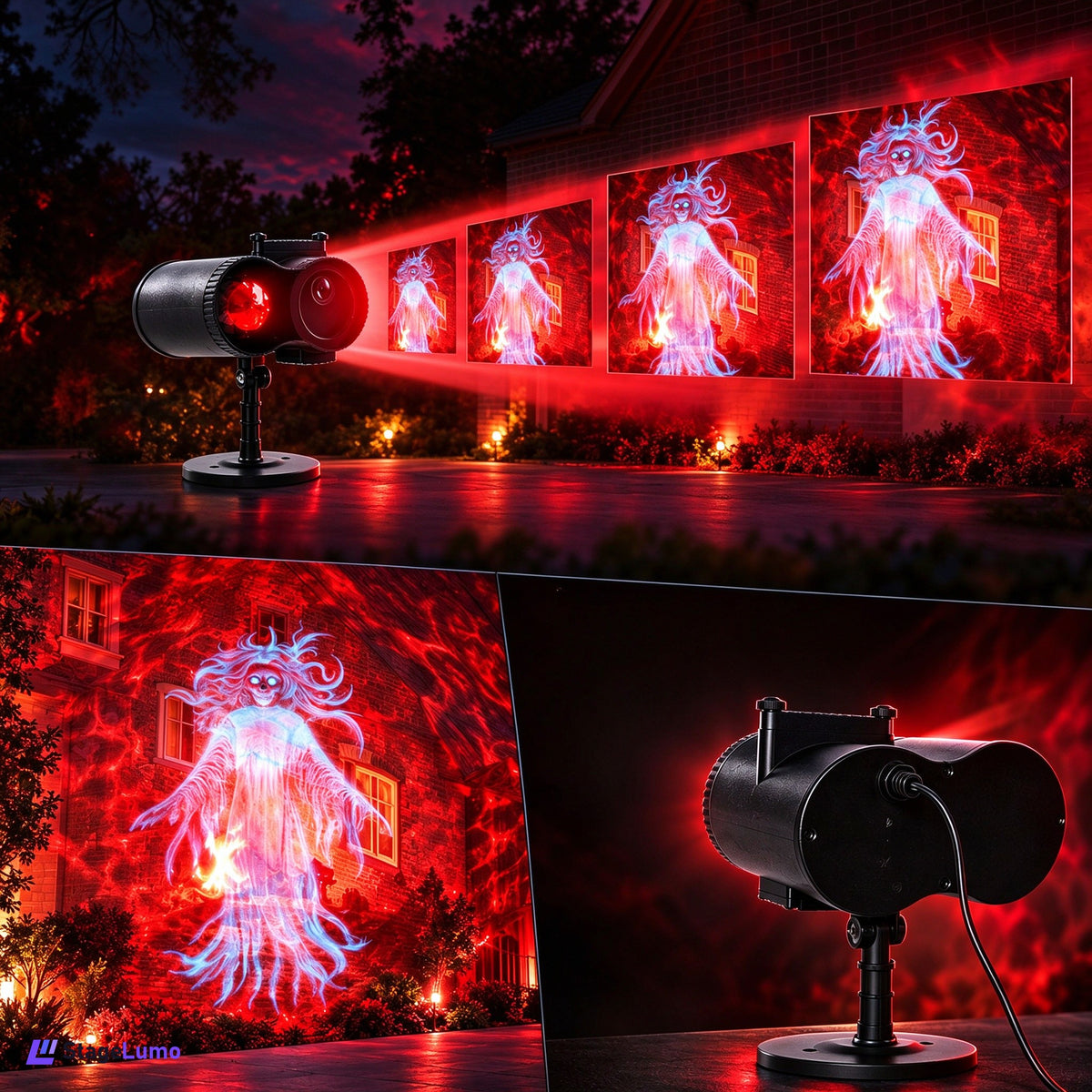
Size the projection
Compare throw distance, projected image size, surface color, and ambient light.
StageLumo
Couldn't load pickup availability
Product Features:

Product Specifications:


STAGELUMO LIGHTING GUIDE
Projection fixtures are chosen by throw distance, ambient light, image size, and installation position. Start with the surface and viewing distance, then match the projector.
Compare throw distance, projected image size, surface color, and ambient light.
Run available auto or sound-active modes for a quick setup. Choose DMX when you need repeatable scenes and coordinated fixtures.
Check the mounting point, projection distance, surface, ventilation, and access for image changes.
CONTROL OPTIONS
IS IT RIGHT FOR YOUR SETUP?
QUICK ANSWERS
Use the product's stated throw range and compare it with the distance from the fixture to the target surface. Ambient light and surface color also affect the result.
It depends on room size, mounting height, throw distance, and the coverage you want. Start by testing one fixture in the intended position, then add matching units for wider or more even coverage.
Confirm the plug type, voltage range, mounting hardware, ventilation clearance, control mode, and safe cable routing for your venue.